 Pathwave
Stores
You have applied. Here is how to get ready.
1. Verify your email and you are in
Once sign-up is complete, you can log in right away. No waiting.
2. Save the shortcut to your home screen
So you never have to type the address again, save it on your phone like an app icon.
3. Log in and apply
Set up your store details, menu and QR. Until approval, your store is visible only through its QR code; listing in visitor search, the free trial and payments open once your service application (Apply, in the banner at the top of the store web) is approved. One application per account. The user guide is in the menu after you log in.
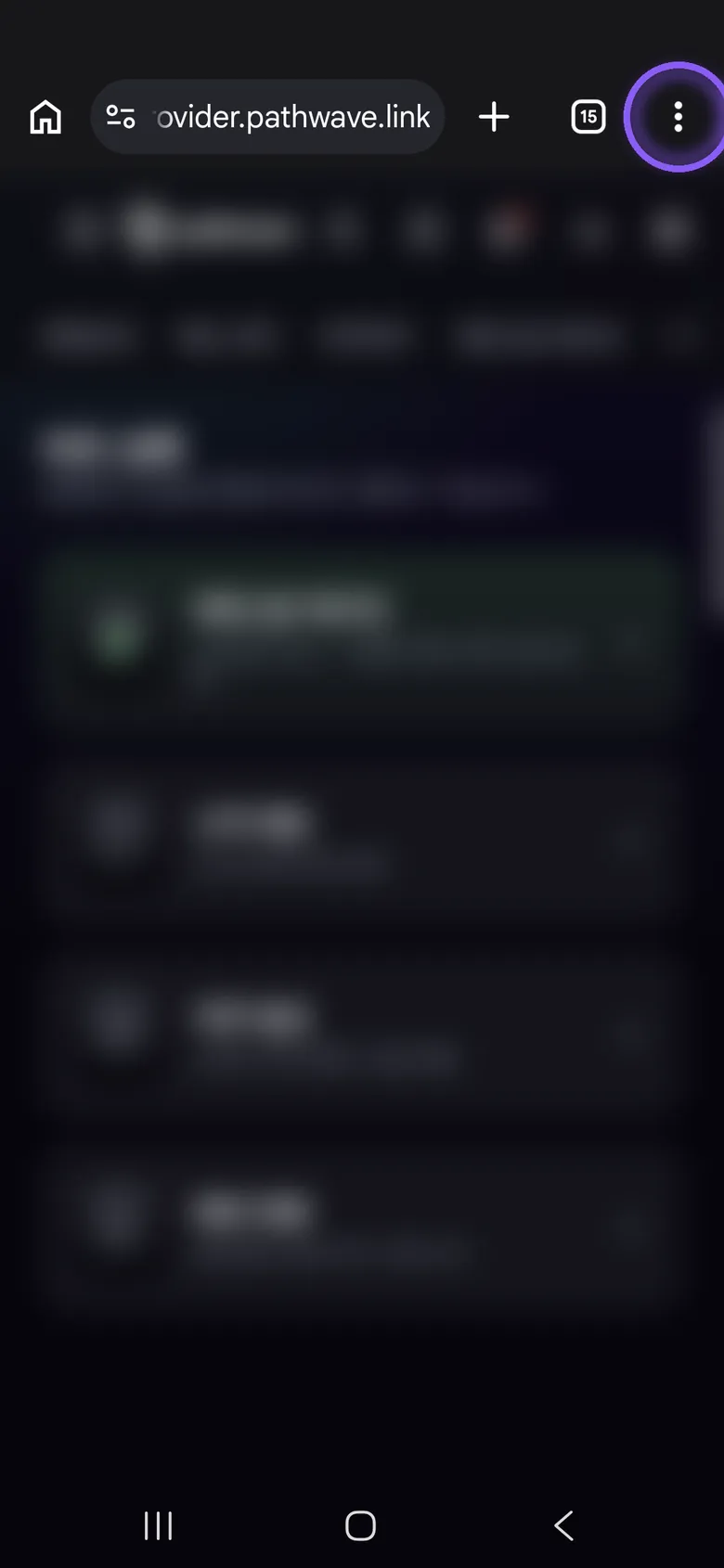
1Open provider.pathwave.link in Chrome.
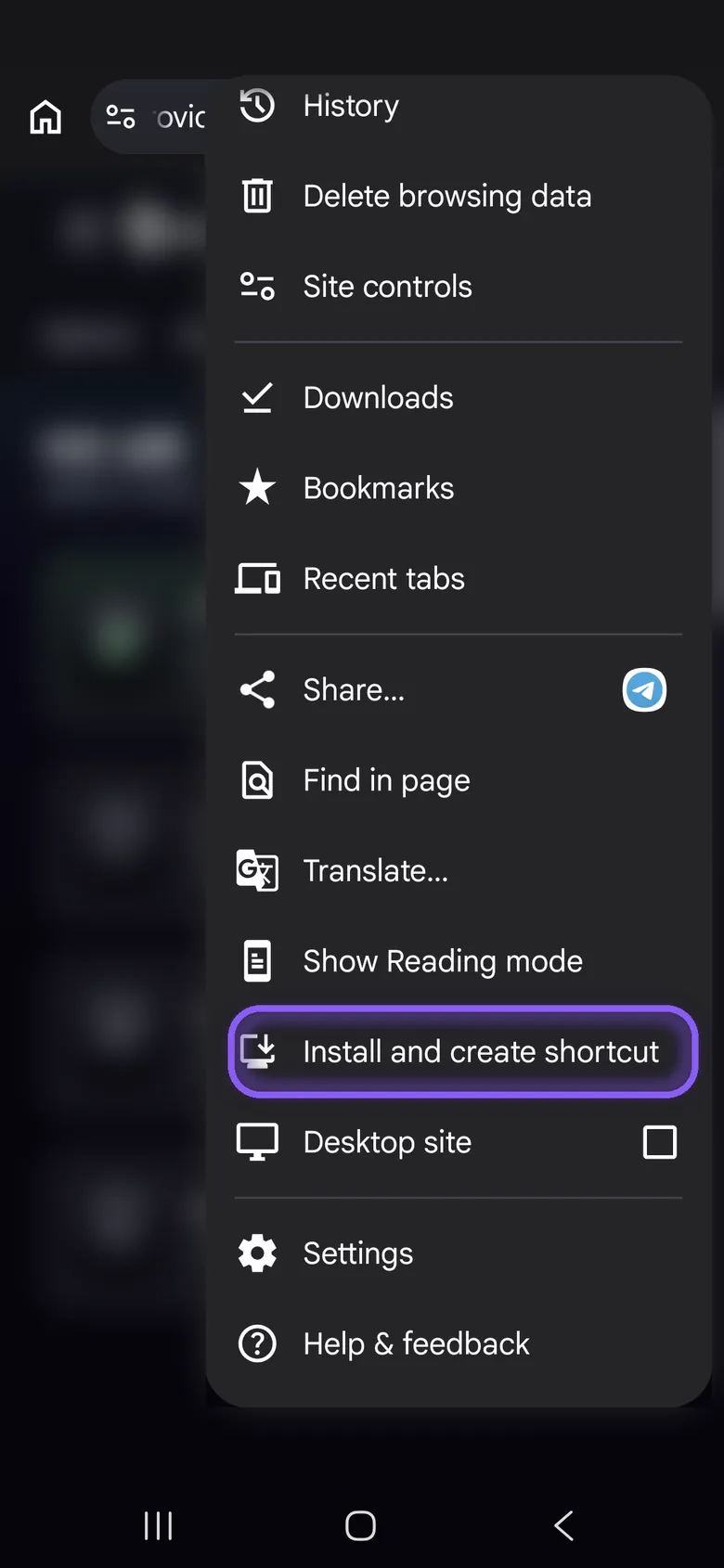
2Tap ⋮ (More) to the right of the address bar, then scroll down the menu.
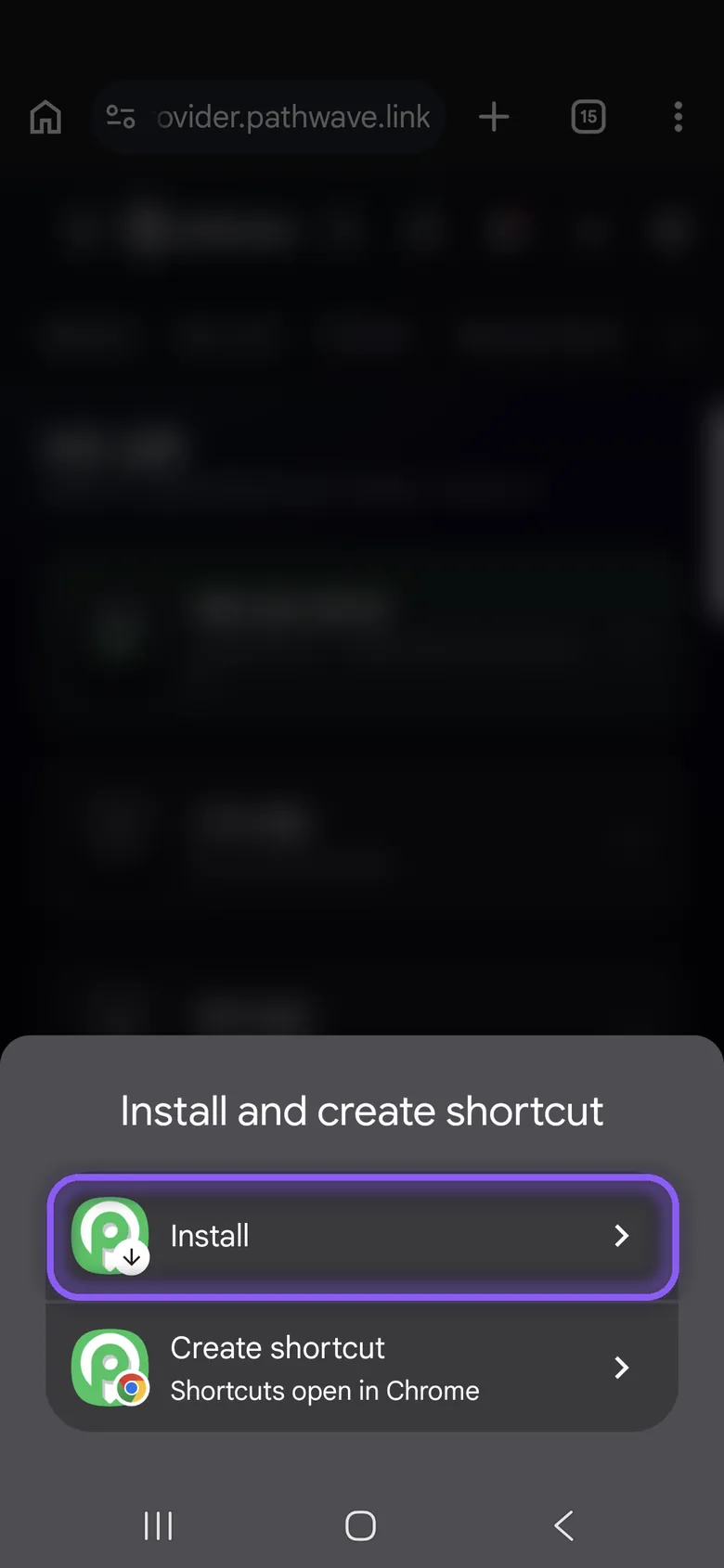
3Tap 'Install and create shortcut', then 'Install'. Depending on your Chrome version it may say 'Add to Home screen' or 'Install app'.
Contact
Ask us anything.
We reply by email within 1 to 2 business days.