Skip to content
Pathwave

Everything in one place!

Pathwave user guides

Two guides: one for visitors, one for the people running a store.

From using it without the app to installing, signing up and everything it does.

100% free for visitors. We never ask for payment details.
Using Pathwave without the app

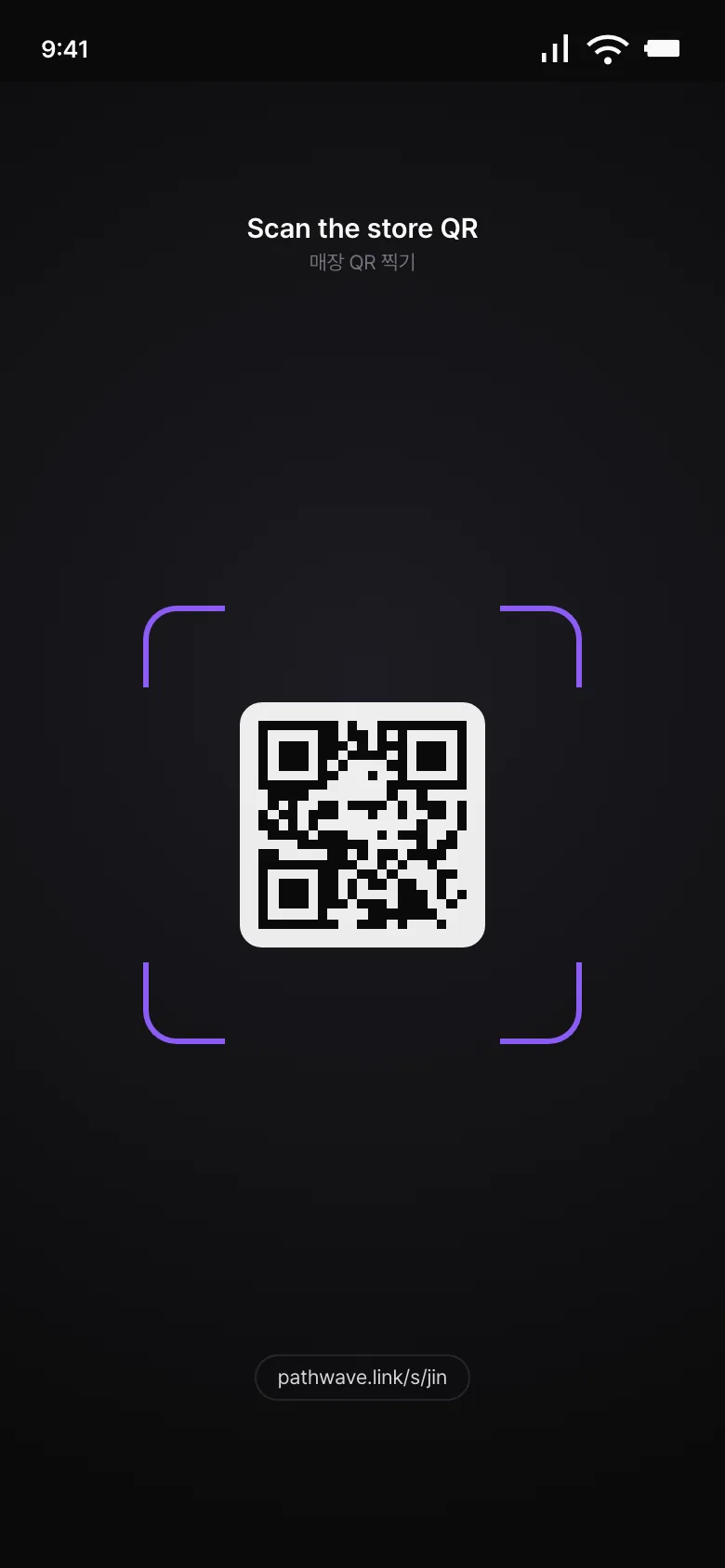
Scan the store QR

  1. Point your camera at the QR at the door or on the table.
  2. Your browser opens the store page.
Scan the store QR

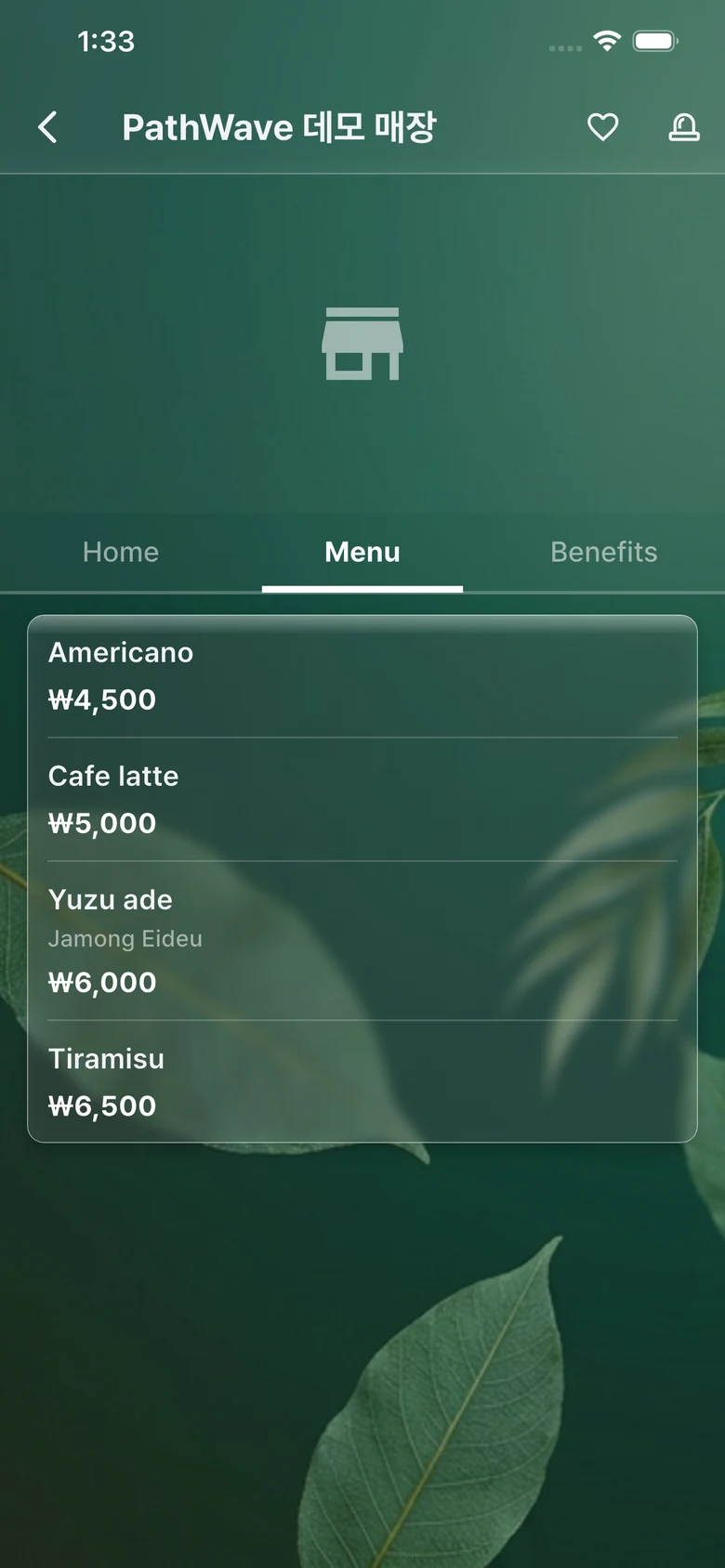
Read the menu

  1. It shows in your phone's language automatically.
  2. Check the photos, the prices and the allergy info.
Read the menu

The banner

  1. The banner at the bottom takes you to the app.
  2. After installing, Wi-Fi is one tap, coupons arrive on their own, and stamps come from scanning your QR at checkout.
The banner

Installing the app and getting started

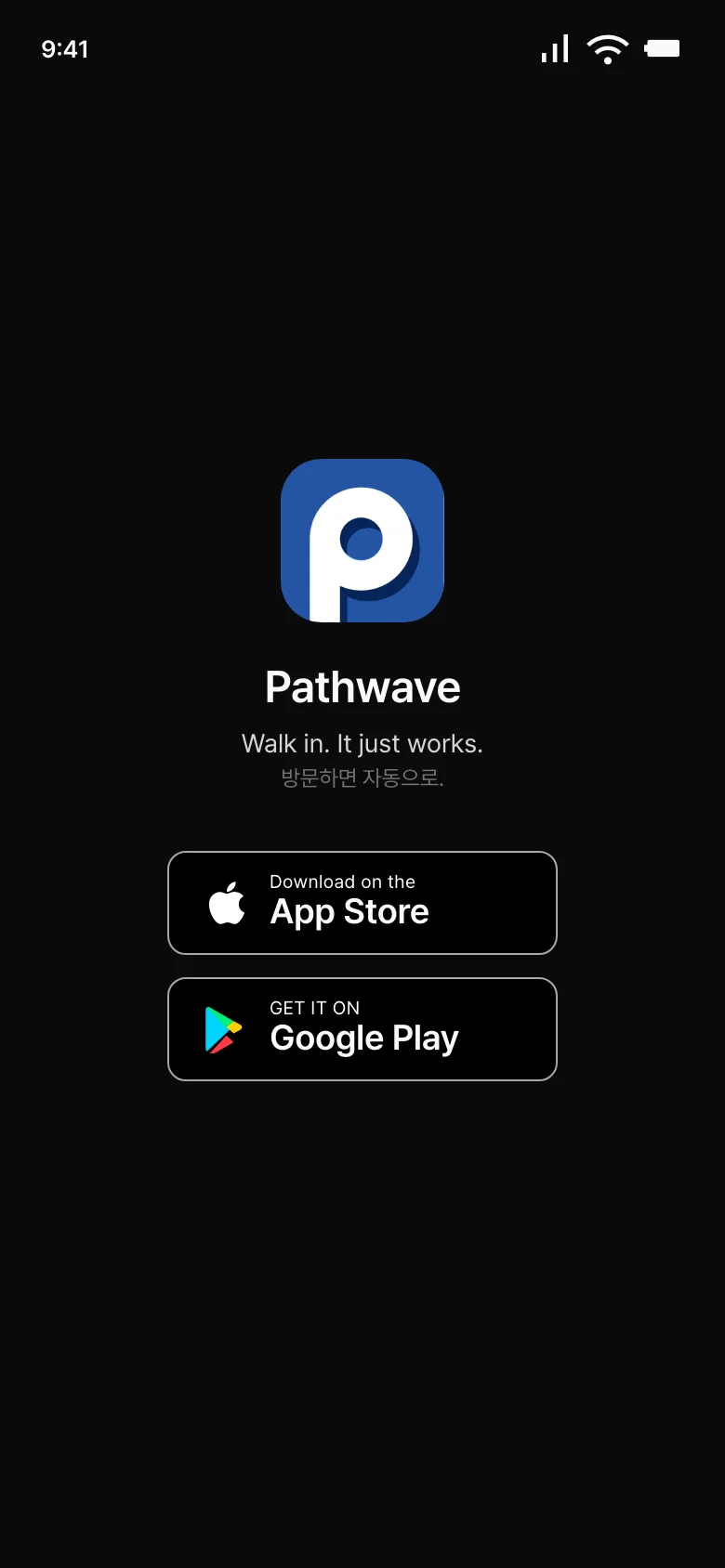
Get it from the store

  1. Get Pathwave on the App Store or Google Play.
Get it from the store

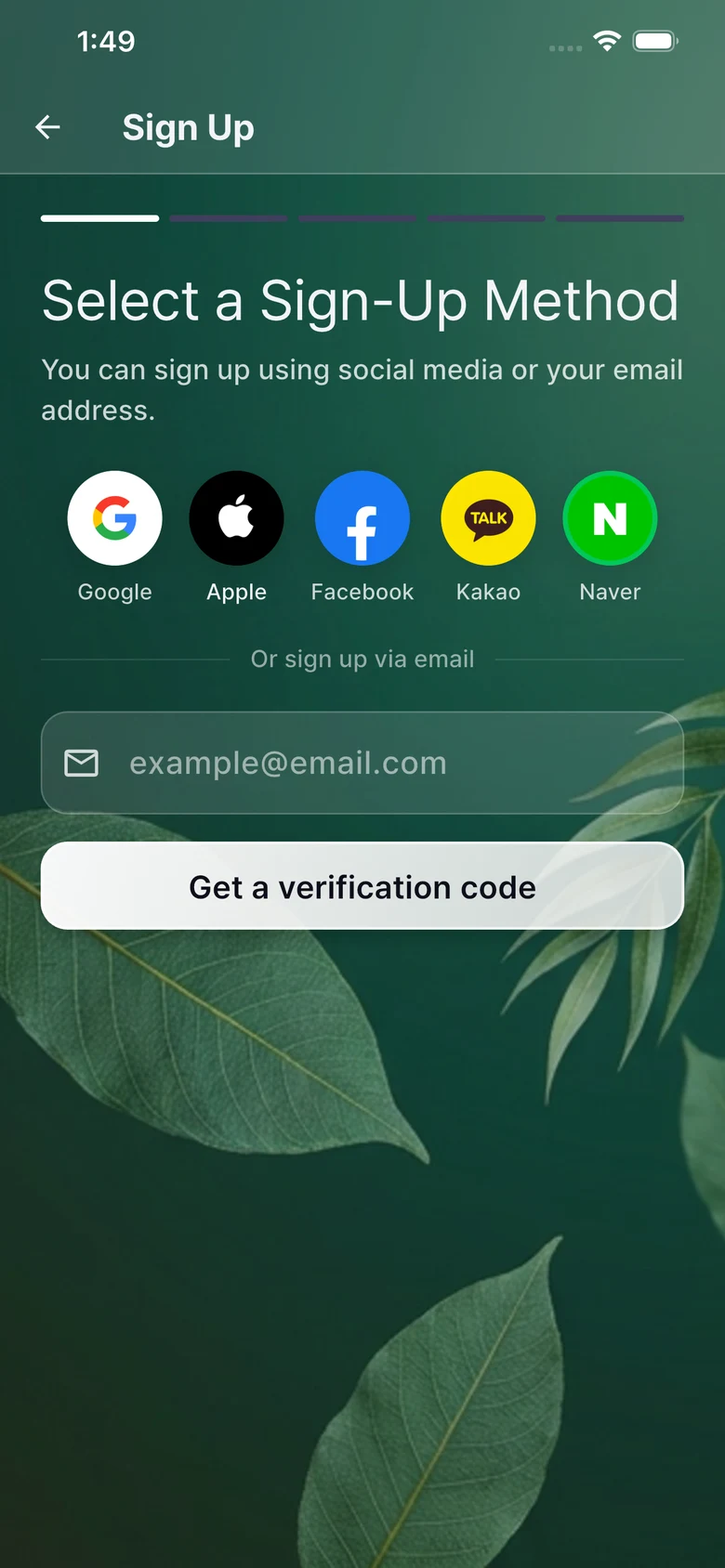
Sign up

  1. Email, or Google, Apple, Kakao, Naver, Facebook.
  2. It takes 30 seconds.
Sign up

Why the permissions

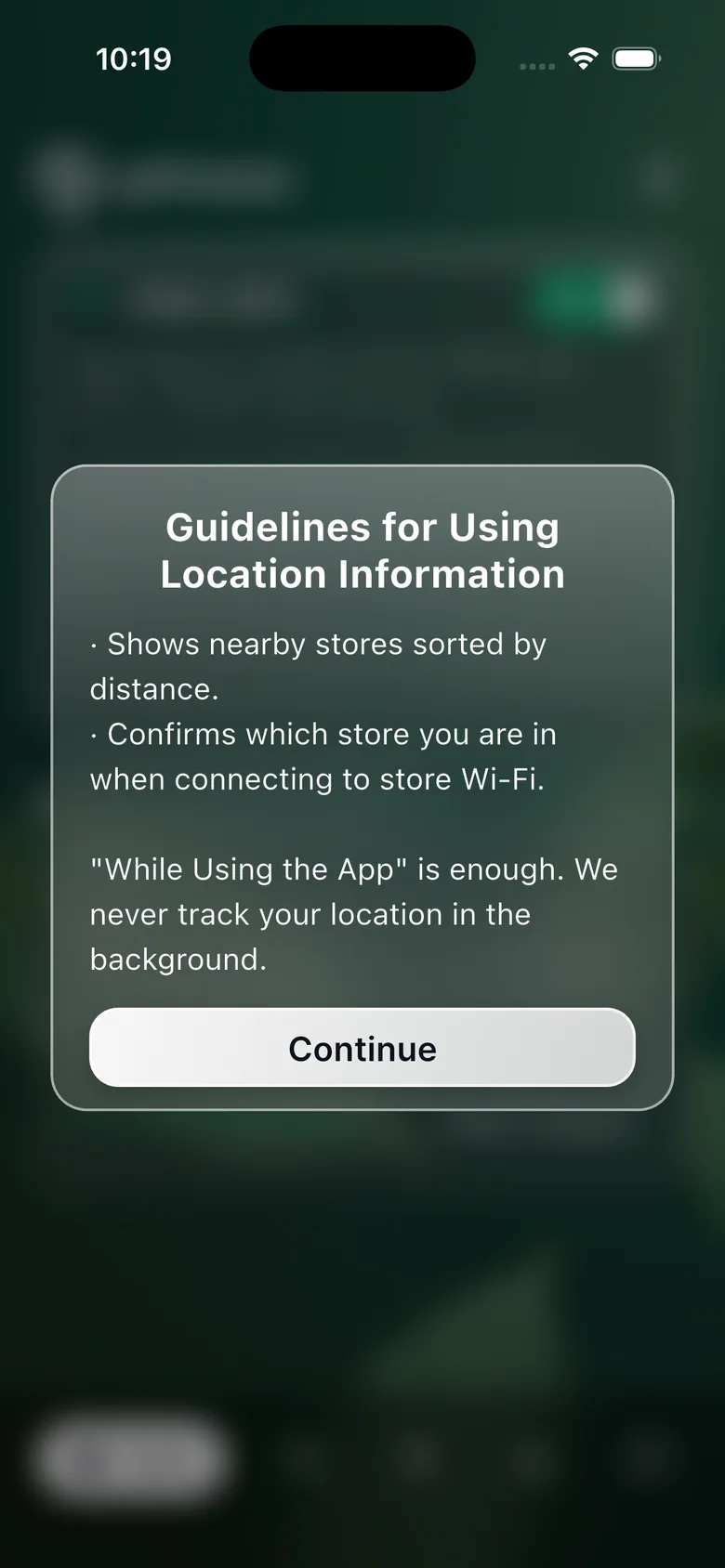
  1. Location: to check you're near the store (within 300 m) so you can connect with one tap.
  2. Android also checks the nearby Wi-Fi routers; iPhone uses location only.
  3. No location history is stored.
Why the permissions

What you can do in the app

One-tap Wi-Fi

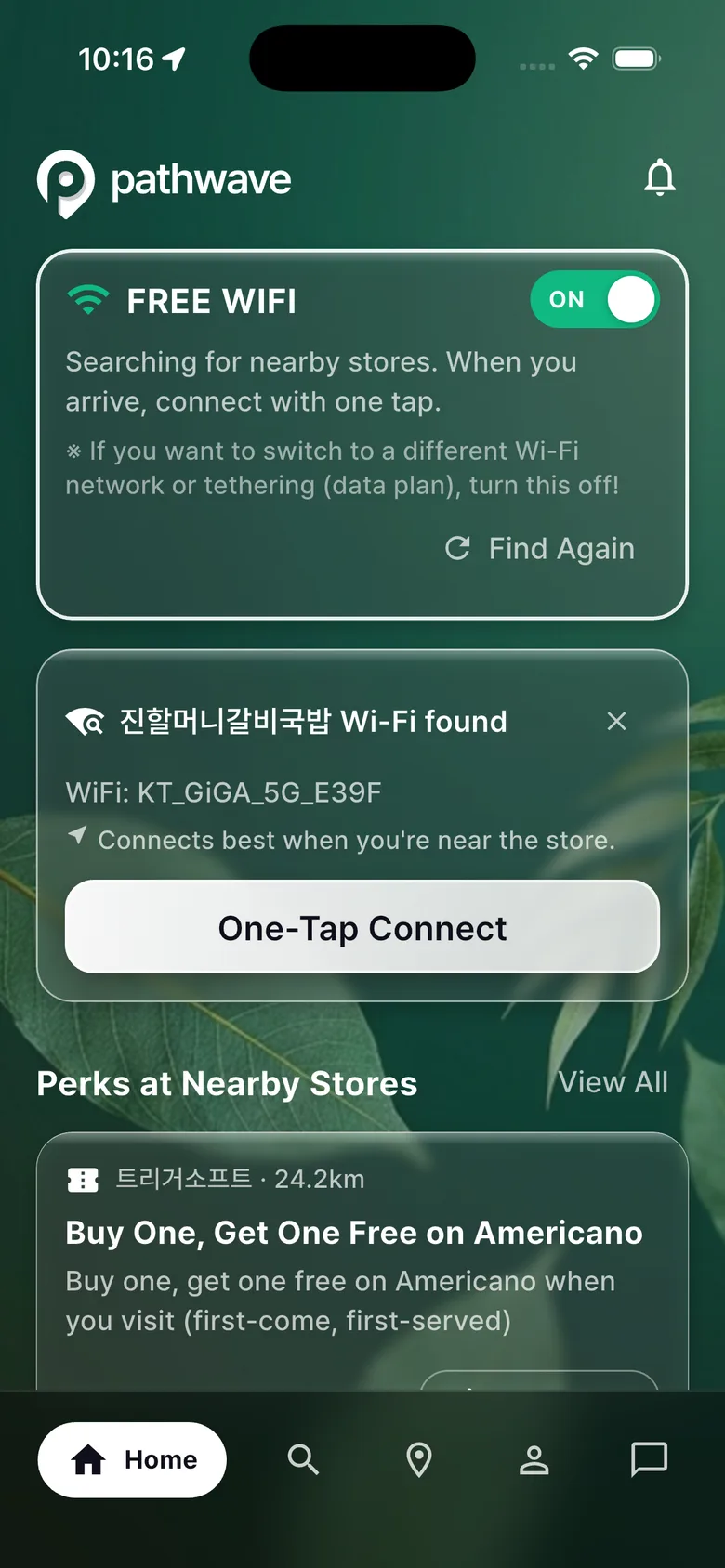
  1. Walk in, a notification appears, and one tap connects you to the Wi-Fi.
One-tap Wi-Fi

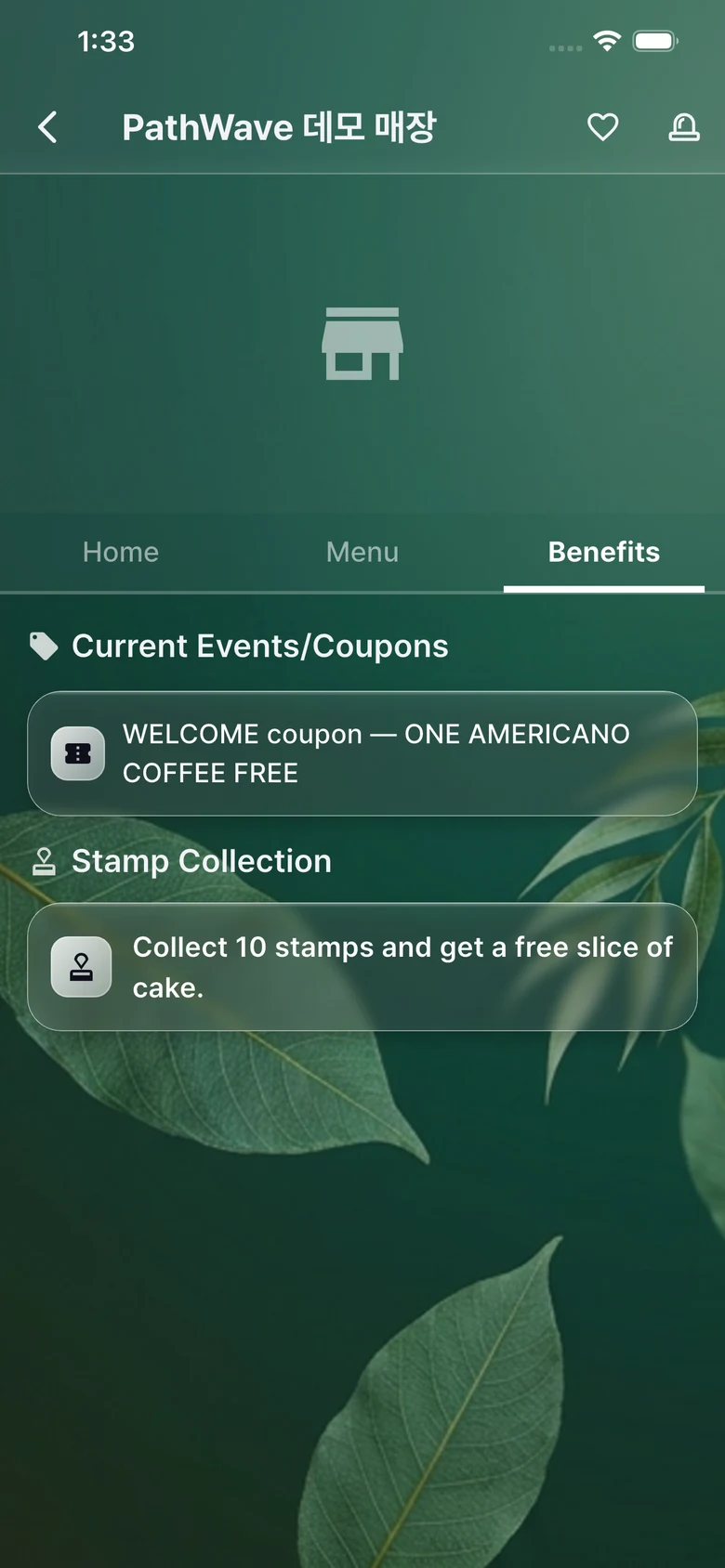
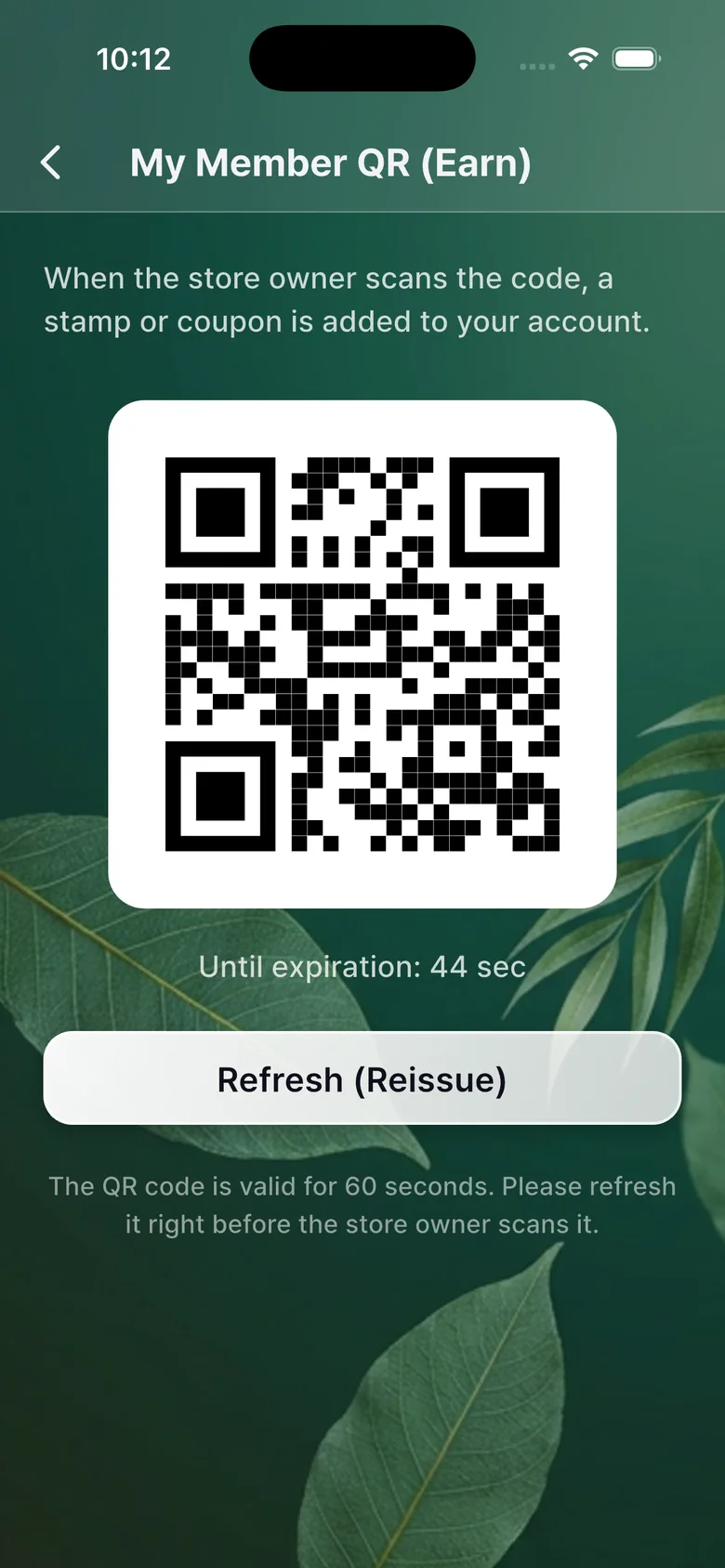
Stamps

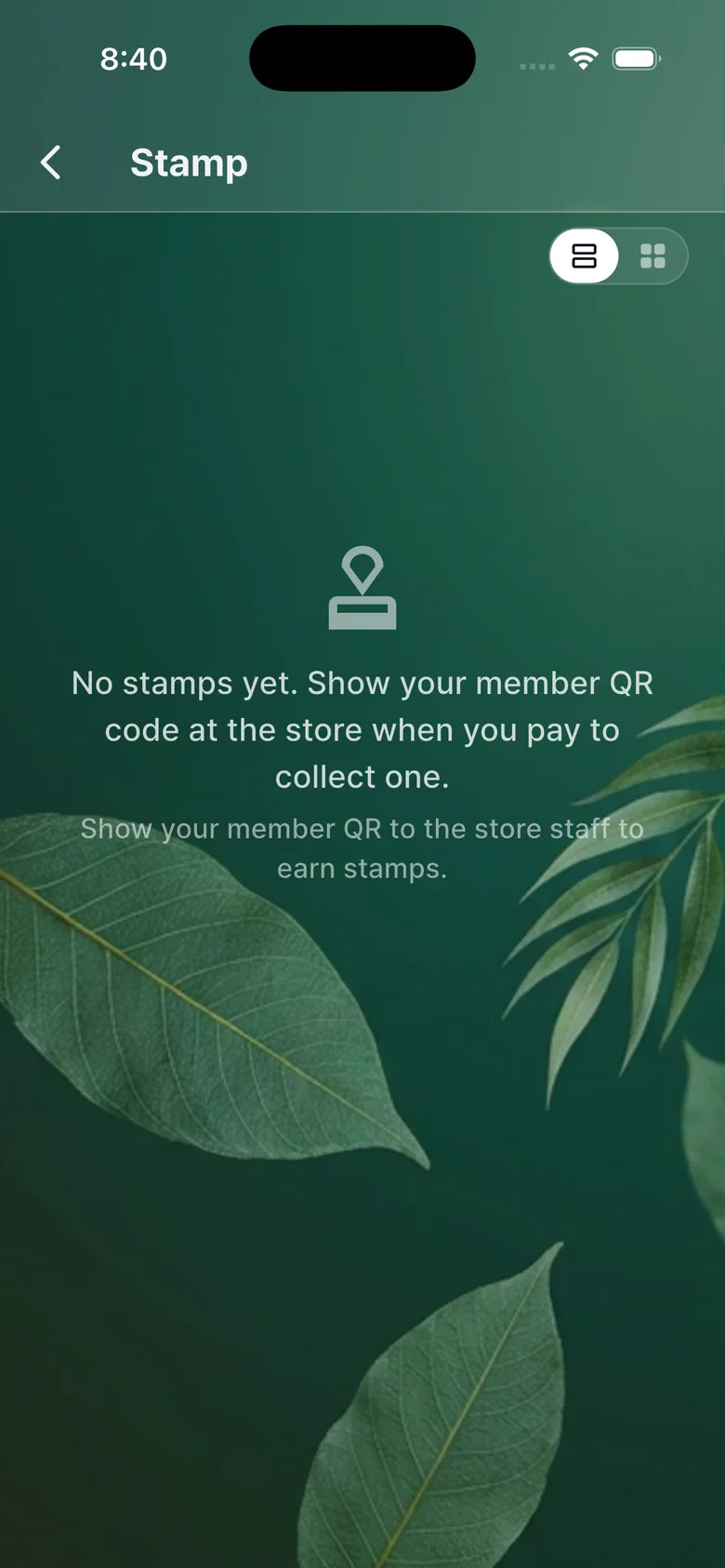
  1. Added when the store scans your member QR at checkout.
  2. Fill the card and the reward coupon arrives.
Stamps

Coupons

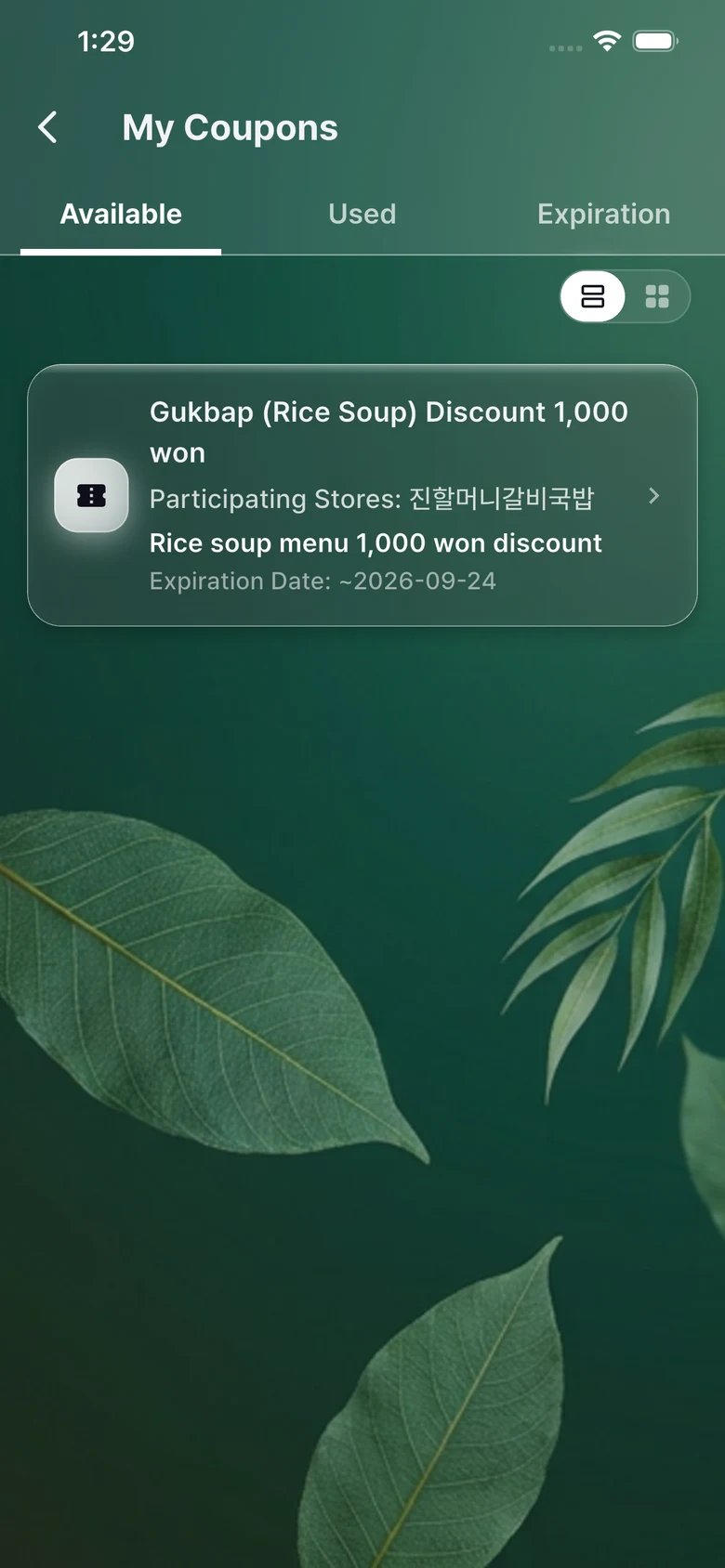
  1. Show the screen to the store when you pay and the coupon is used.
Coupons

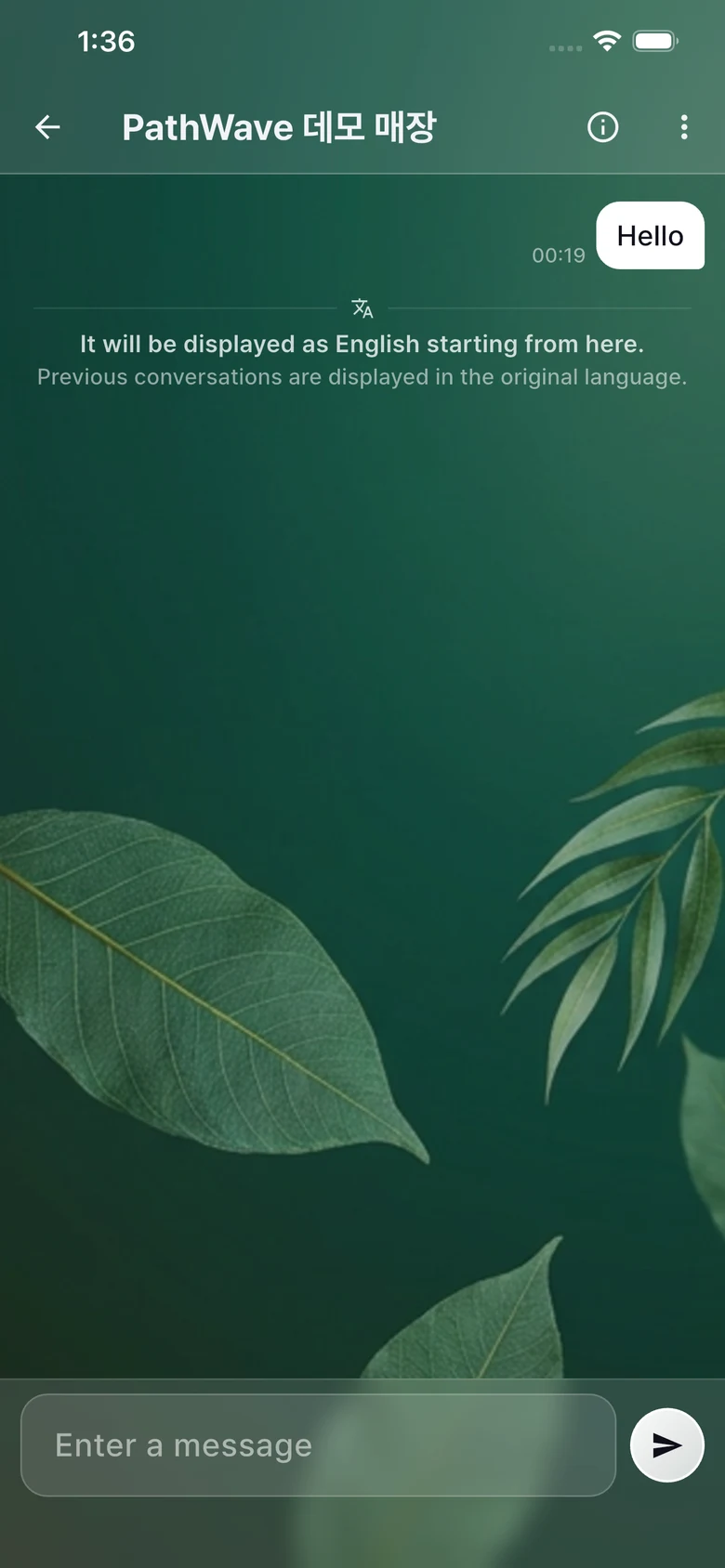
Chat and auto-translation

  1. Write in your language, the owner reads Korean, and the reply comes back in yours.
  2. We use trusted engines such as Google Translate.
Chat and auto-translation

My member QR

  1. Show the QR on the stamp screen when you pay. Stamps work even if the store wasn't detected.
My member QR

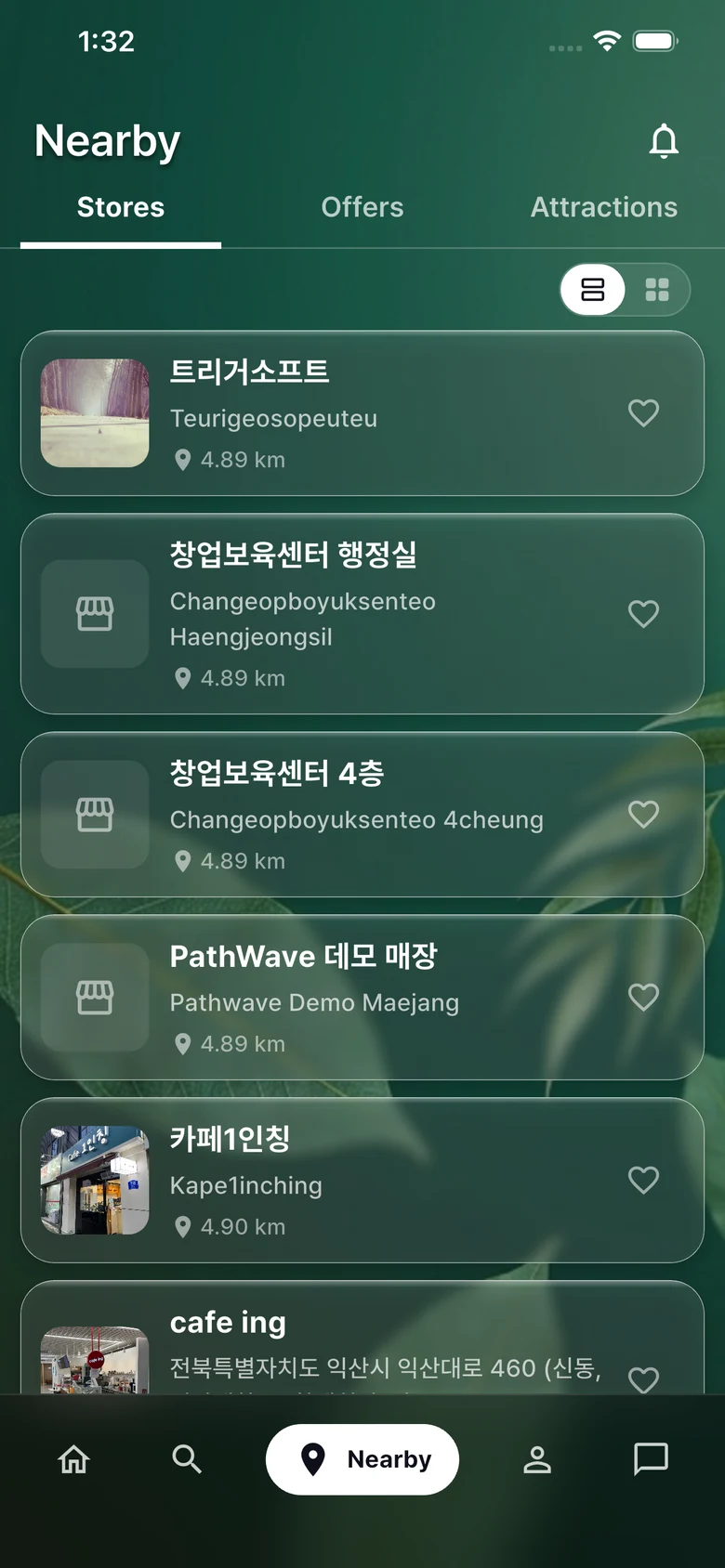
Finding stores and favorites

  1. See the Pathwave stores around you on the map.
Finding stores and favorites

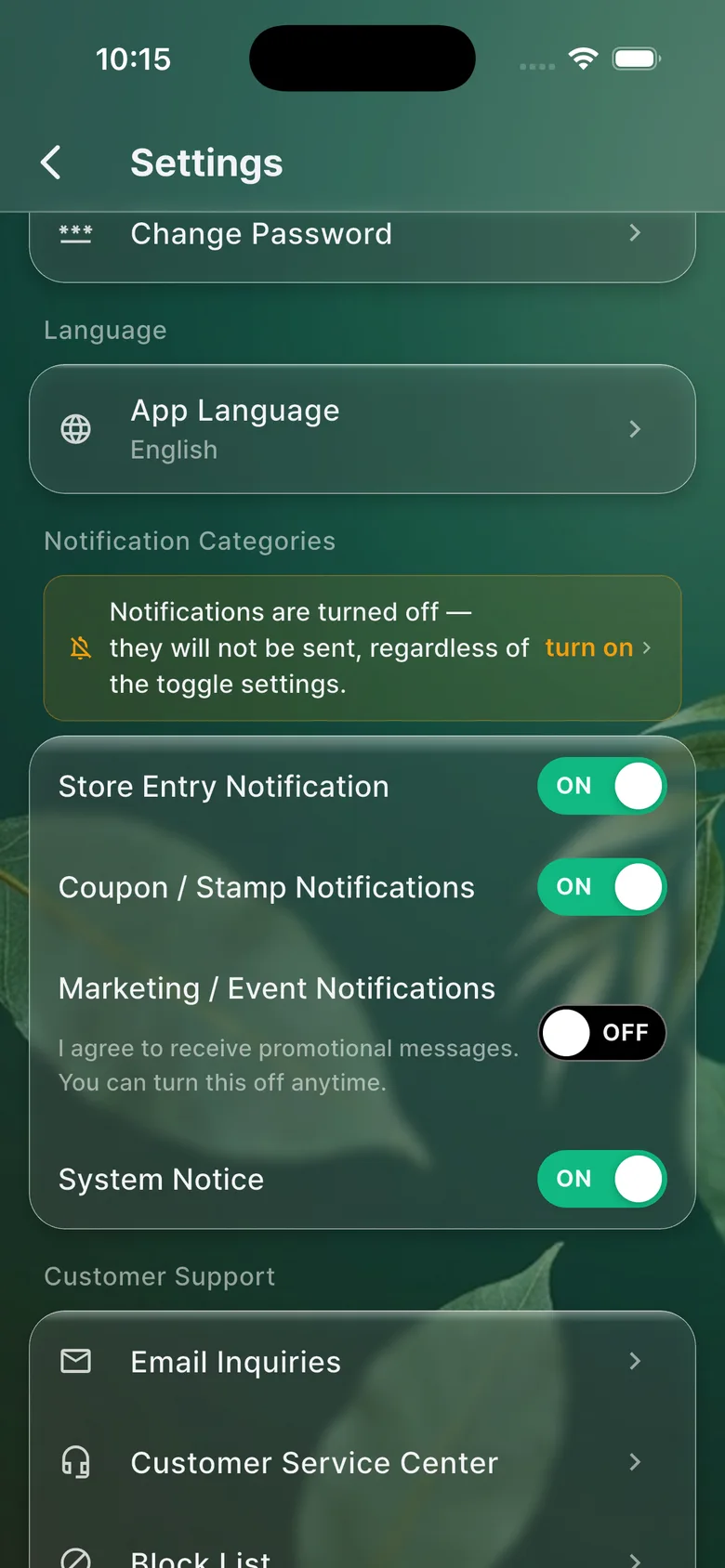
Notifications and language

  1. Change notifications and the display language in settings.
Notifications and language

Deleting your account

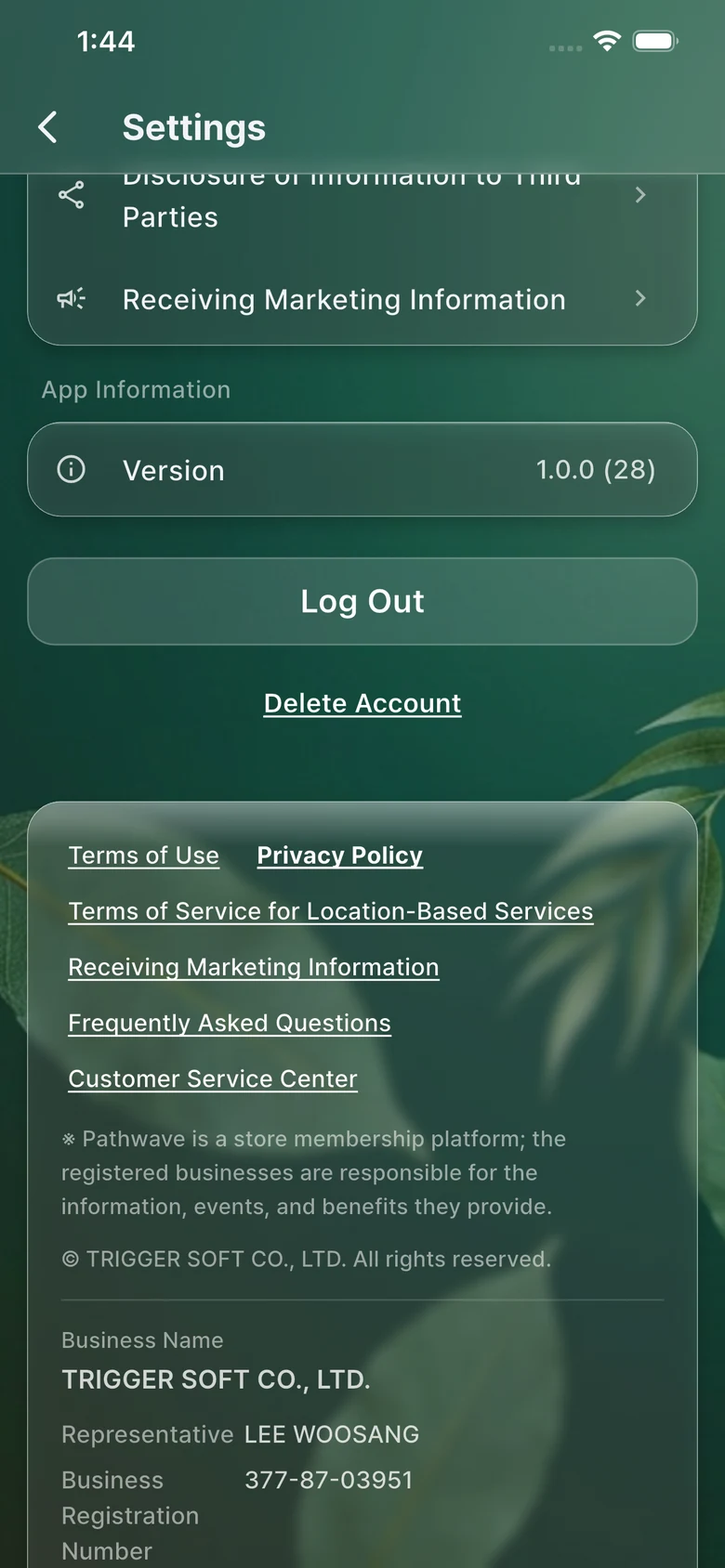
  1. Settings > Account > Delete. Permanently removed after a 30-day grace period.
Deleting your account

Frequently asked questions

See all FAQs
Can I close the app?

The store is detected while the app is open. If you quit it completely, just open it once in the store.

Does it drain the battery?

It only checks for the store briefly while the app is open, so the impact is close to nothing.

My stamps are not adding up.

Stamps are added only when the store scans your member QR at checkout. Show your QR in the app when you pay.

I used a coupon by mistake.

Tell the owner in the store chat.

Contact

Ask us anything.

We reply by email within 1 to 2 business days.